How do I create a promotion?
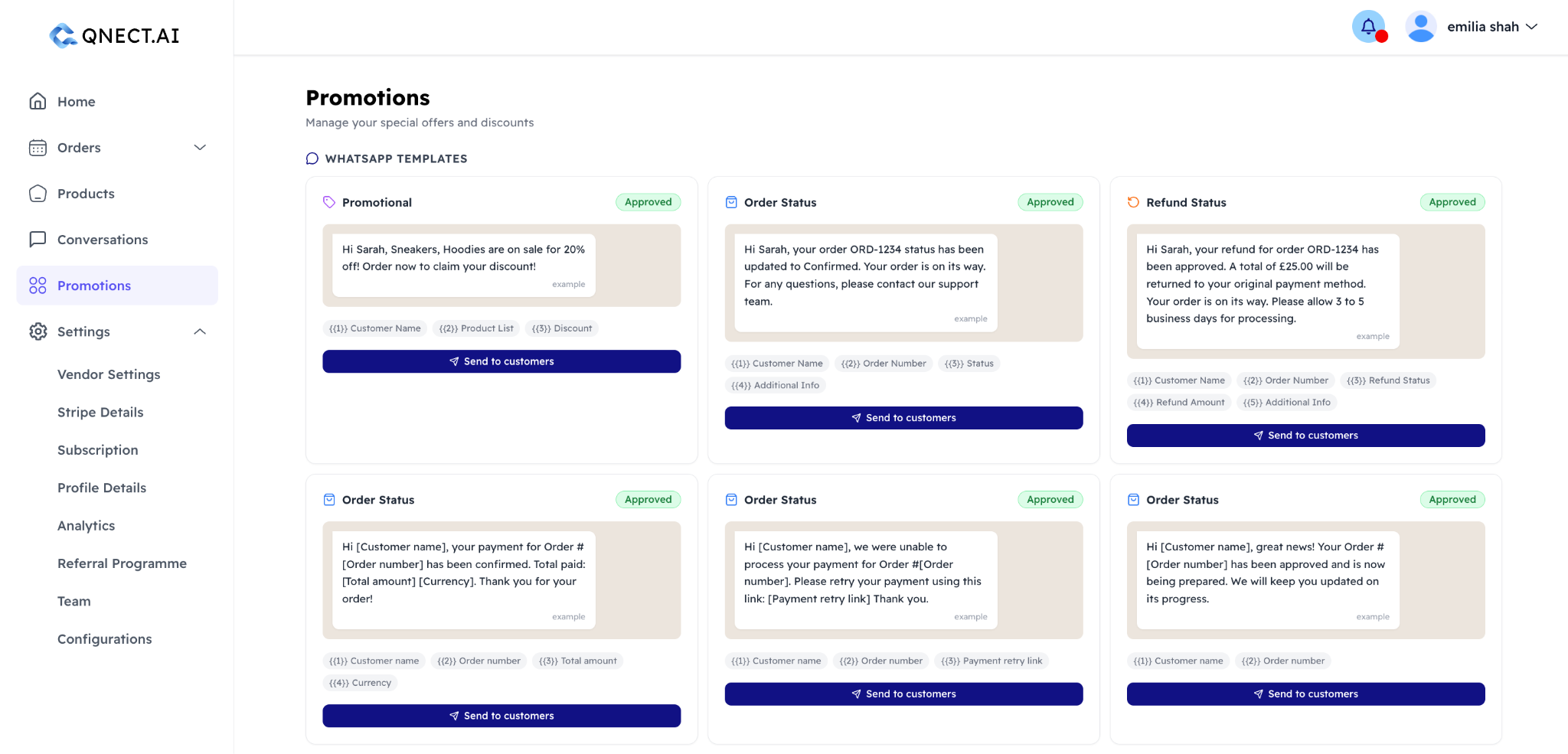
Go to Promotions in your dashboard and click New Promotion. You can set a name, discount type, and the terms of the offer. Once created, you can send it to your customer list or a specific segment.
Can I target specific customers?
Coming soon. For now, you can only target customers who have purchased before and opted-in to marketing communications.
How do customers opt in to promotions?
During the WhatsApp ordering flow, customers are given the option to subscribe to promotions and product notifications from your store. You can see opt-in status per customer in the Customers section of your dashboard.
Is there a limit to how many promotions I can send?
There is a limit of 100 marketing messages per month. For more, contact hello@qnect.ai.