Where do I find my analytics?
Click Analytics in the left-hand navigation of your vendor dashboard.
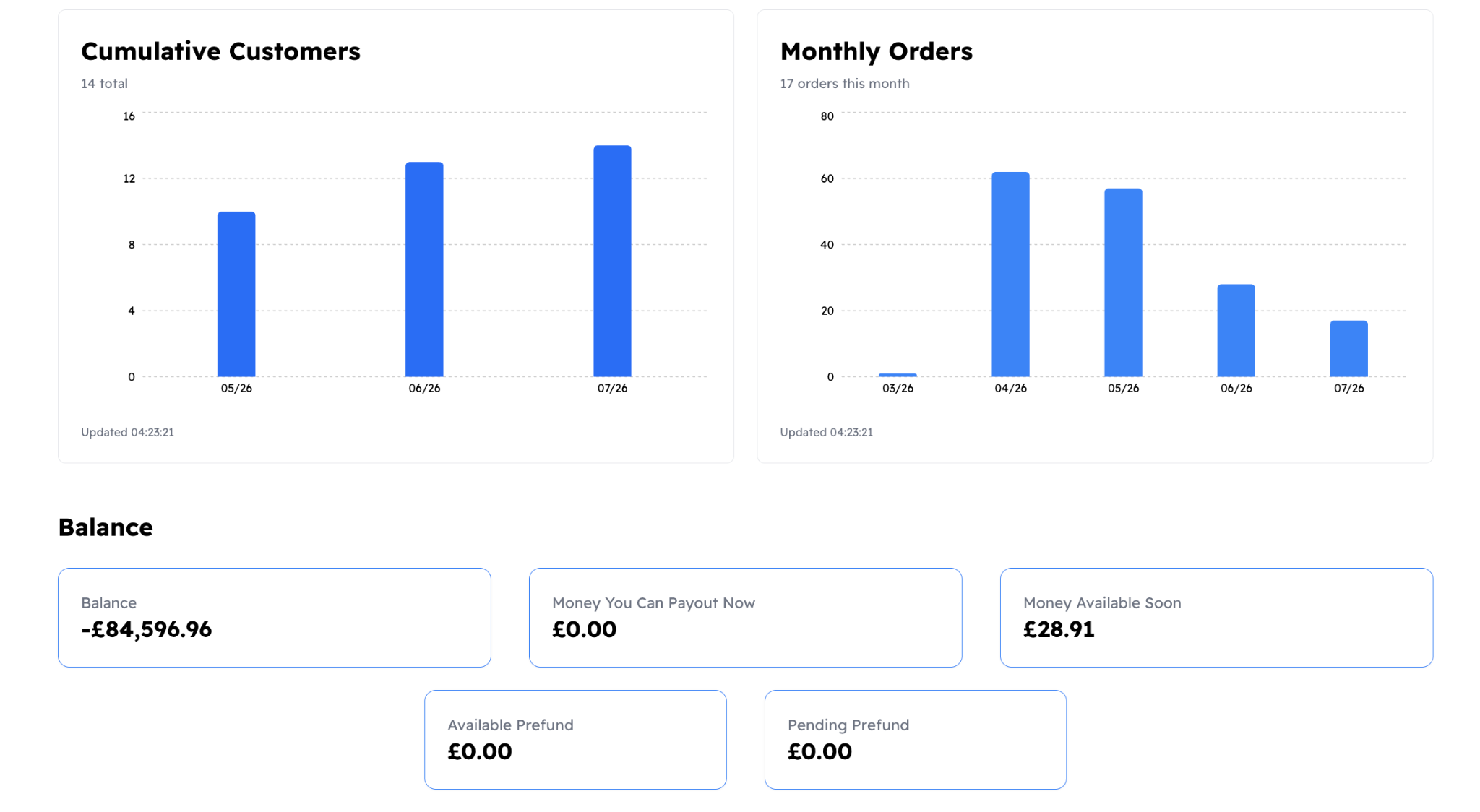
The page is split into sections for sales, orders, customers, and (for charities) donations.
What is the difference between gross volume and net volume?
- Gross volume is the total revenue from all orders before any fees are deducted
- Net volume is what you actually receive after Stripe's processing fees are subtracted
Both figures are shown as daily charts so you can track trends over time.
Can I see sales broken down by day or month?
Yes. The analytics page includes a Net Daily Sales chart that plots your revenue per day, and a Monthly Orders breakdown that groups order volume by month. You can use these to spot busy periods and plan accordingly.
How do I track my Stripe balance and payouts?
The Balance section of Analytics pulls live data from your connected Stripe account. It shows your current available balance, pending balance, and a full history of balance transactions including payouts, payments, and refunds. However, you can also log into your Stripe account directly by clicking here.
Why does my net volume look lower than expected?
Net volume deducts Stripe processing fees from each transaction. If you notice an unexpected difference, check the Balance Transactions list in Analytics. Each line item shows the gross amount, the Stripe fee, and the net result.