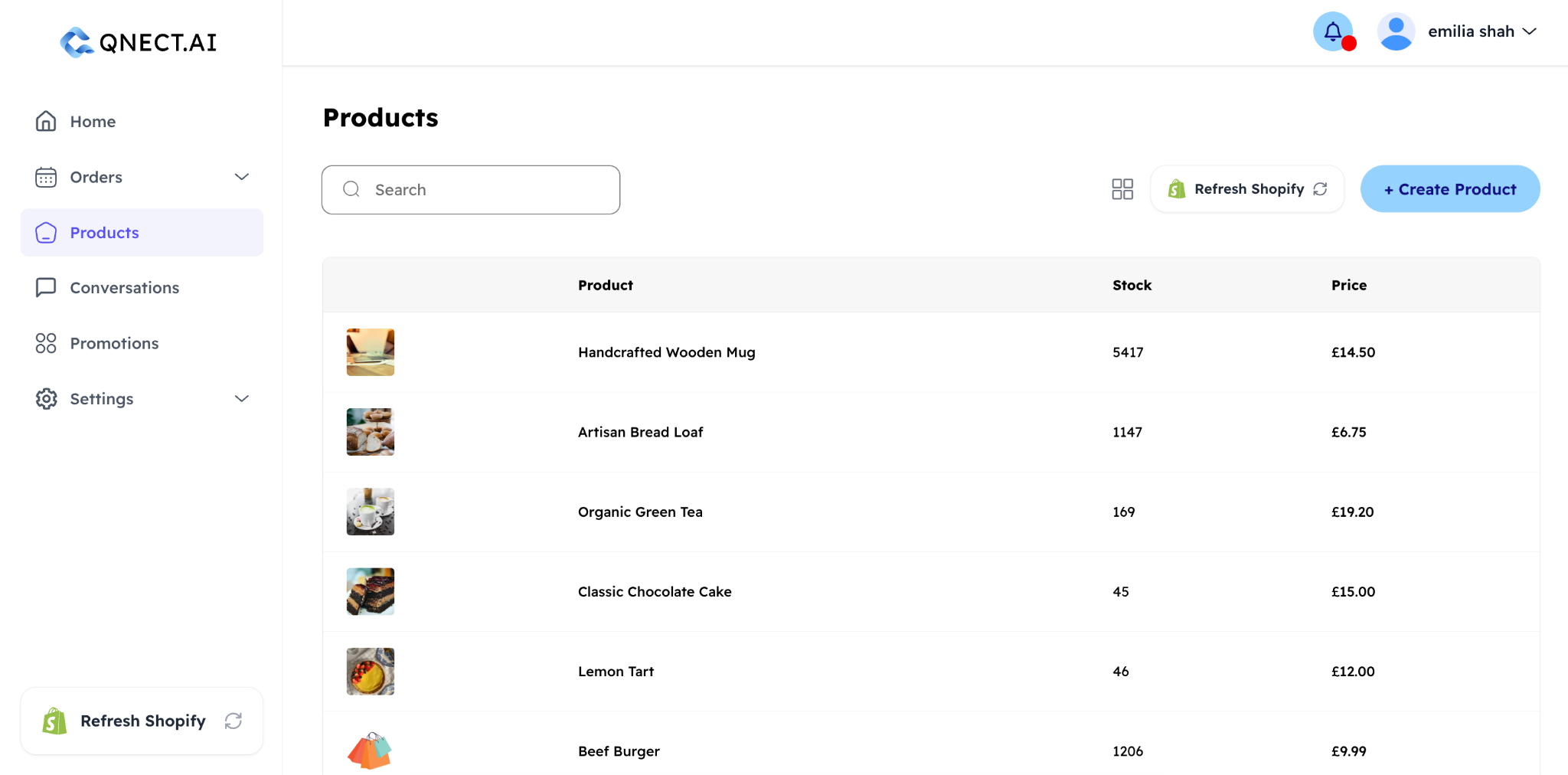
How do I add a product?
From your dashboard, go to Products → + Create Product.
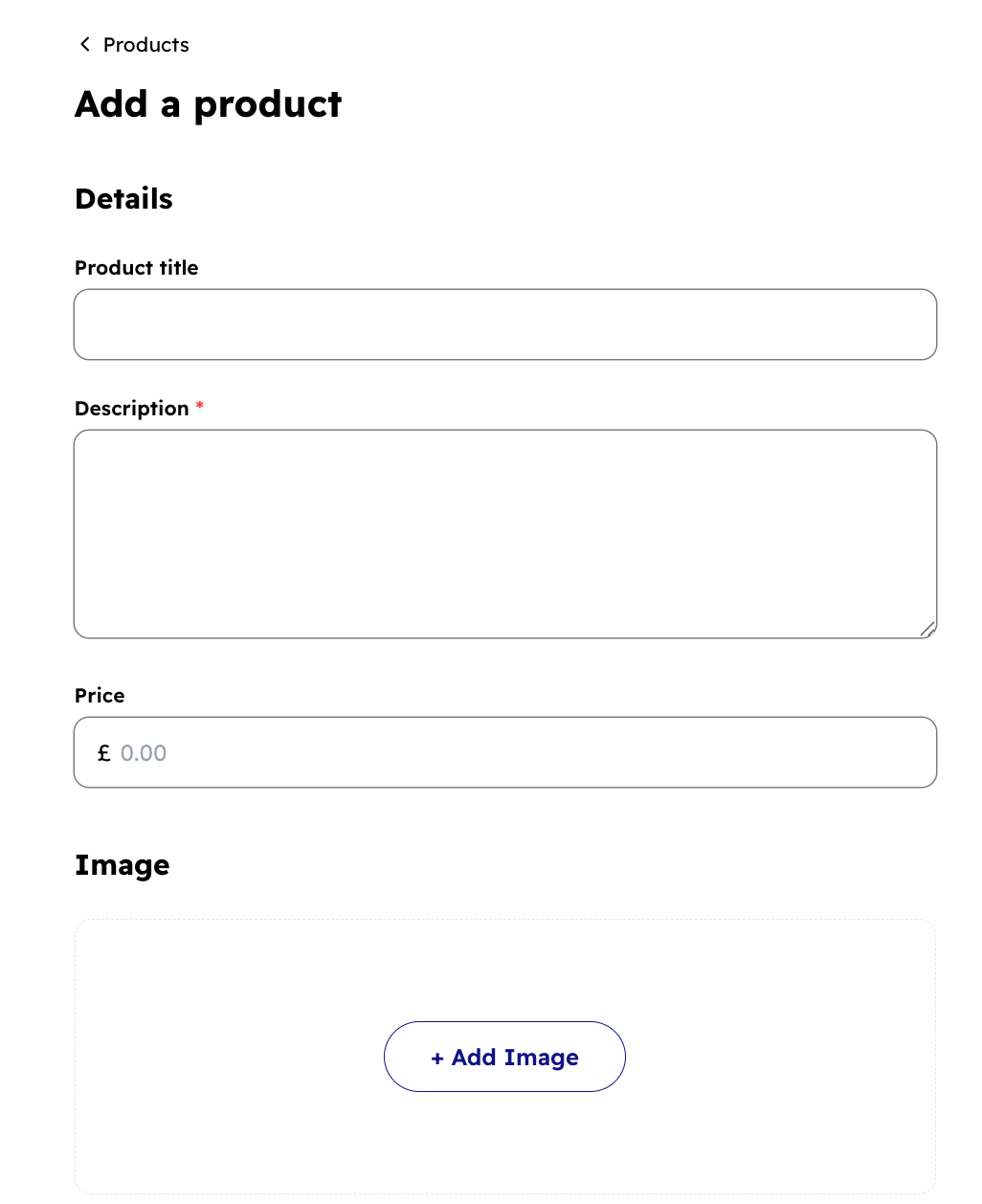
You'll be asked for:
- Product name and description
- Delivery options
- One or more variants (e.g. different sizes or colours), each with its own price
- Product images
- Inventory quantity and a low-stock threshold (if you want to track stock)
What are product variants?
A variant is a specific version of a product. For example, a T-shirt in size Medium, colour Blue. Each variant has its own price and can have its own stock level. You can add as many variants as you need per product.
How do attributes work?
Attributes are the dimensions you use to define variants, such as Size or Colour. You create your attribute templates in Vendor Settings → Configurations → Attributes Manager, and then apply them individually in each product when you are creating/editing products. This keeps your catalogue consistent and makes it easier for the AI agent to understand customer requests like "Do you have this in large?"
Can I sync products from my Shopify store?
Yes. Qnect has a Shopify integration. You can connect to Shopify on the Products page in Qnect. Your Shopify products are automatically synced to your Qnect catalogue. Stock levels and product updates are kept in sync via webhooks.
How does inventory tracking work?
When you enable Track Inventory on a product variant, Qnect monitors stock levels. You can set a low-stock threshold, so that when stock drops below that number, you'll receive a notification. If a product is out of stock, the AI agent will not offer it to customers.